
By Wear Valley Digital ·
A visitor finding your website is only the beginning. Can they understand what you offer, decide whether it suits them and get in touch without getting stuck?
Before investing in more traffic or a full redesign, try the journey yourself.
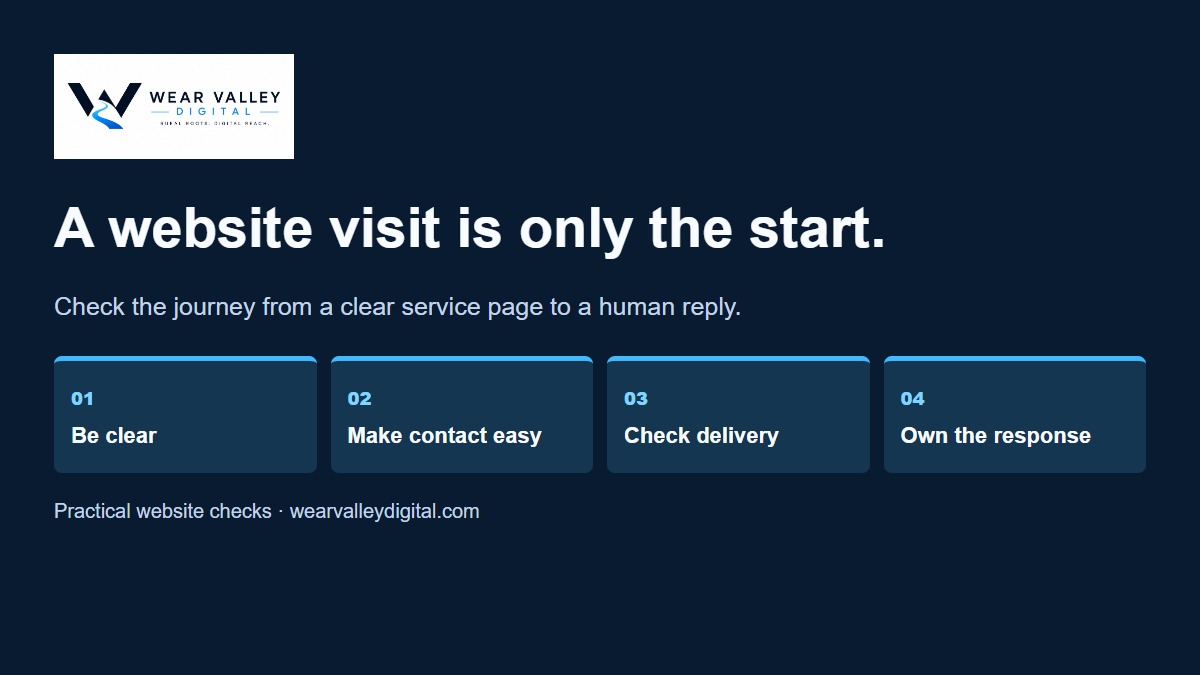
A quick walkthrough
Watch the enquiry journey
Four stages in 24 seconds. This illustrated example works without sound.
Read the video transcript
0–6s: Visitors are only the start. Can someone understand your service and find the next step?
6–12s: Try the whole journey. Use an authorised test on your phone. Check the form and its confirmation.
12–18s: Check both ends. A success message is only one part. Make sure the enquiry reaches the right place.
18–24s: Give the reply an owner. Who will respond? Fix any gap, then test the journey again.
Illustrative service page and form. No real enquiry is submitted. Read the full seven-check guide at https://wearvalleydigital.com/journal/website-enquiry-checklist/
Play the 1.1 MB video.
Start on your phone
Open your main service page as though you’ve never seen the business before. Is it clear what you do, who you help and where you work? Can you find the next step without searching through menus?
An attractive page still needs to answer practical questions.
Check what helps someone decide
Useful details might include the scope of a service, examples of genuine work and what happens after an enquiry. Where prices depend on the job, explain what information you need to prepare a quote.
Avoid promises you cannot substantiate. Clear, specific information gives visitors something useful to work with.
Test the whole enquiry journey
Submit an authorised test enquiry. Check that the form explains any errors, confirms the submission and delivers the message to the right person.
A success message on the screen is not enough. Someone needs to receive the enquiry and know they are responsible for responding.
Use this seven-point checklist
- Is the service and service area clear?
- Is the next action easy to find?
- Are common questions answered?
- Does the form work on a phone?
- Does the message reach the right inbox or system?
- Does someone own the response?
- Can you distinguish genuine enquiries from visits and clicks?
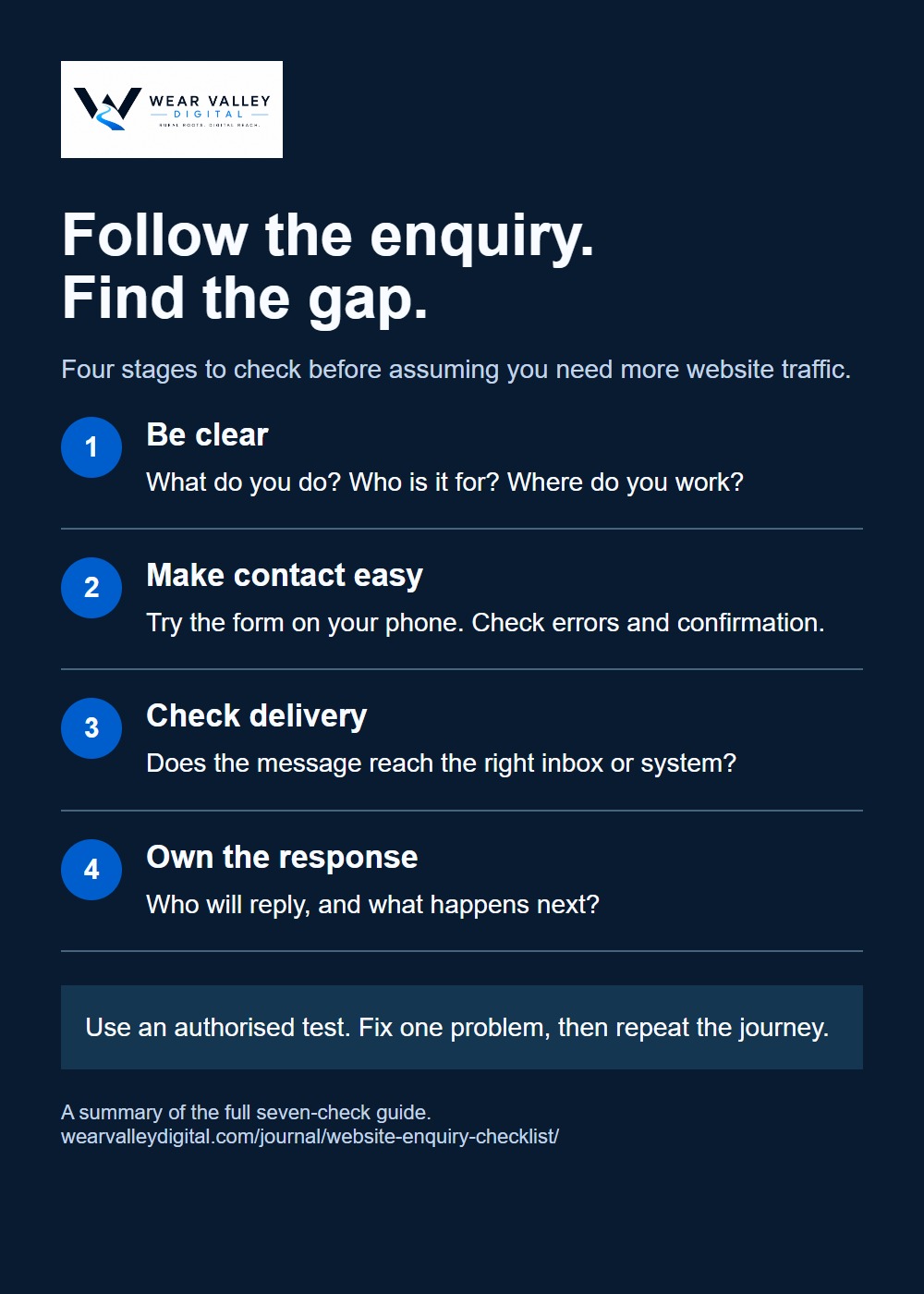
Improve one thing, then check the result
You may discover an unclear heading, an unnecessary form field or a missing notification. Fix the problem you find and review what changes. Avoid assuming that more visits automatically mean more customers.
At Wear Valley Digital, we believe a website should help people take the next step—and help the business respond when they do.
Want to discuss your website? Get in touch with Wear Valley Digital.